



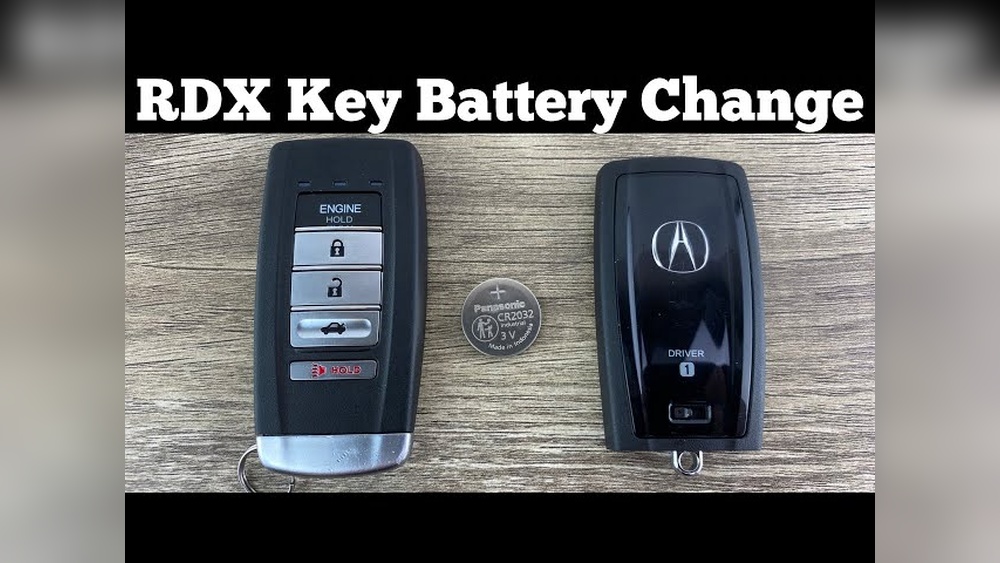
Is your 2021 Acura RDX key fob acting up or not working like it used to? It might be time to change the battery.
You don’t have to spend money at a dealership or wait for a technician. In this guide, you’ll learn exactly how to replace your key fob battery quickly and easily. By the end, you’ll feel confident doing it yourself—saving time and avoiding frustration.
Keep reading to unlock the simple steps that will get your key fob working like new again.
Tools Needed
Changing the battery in your 2021 Acura RDX key fob is simple. The right tools make the task easier and faster. Gather all tools before starting to avoid interruptions.
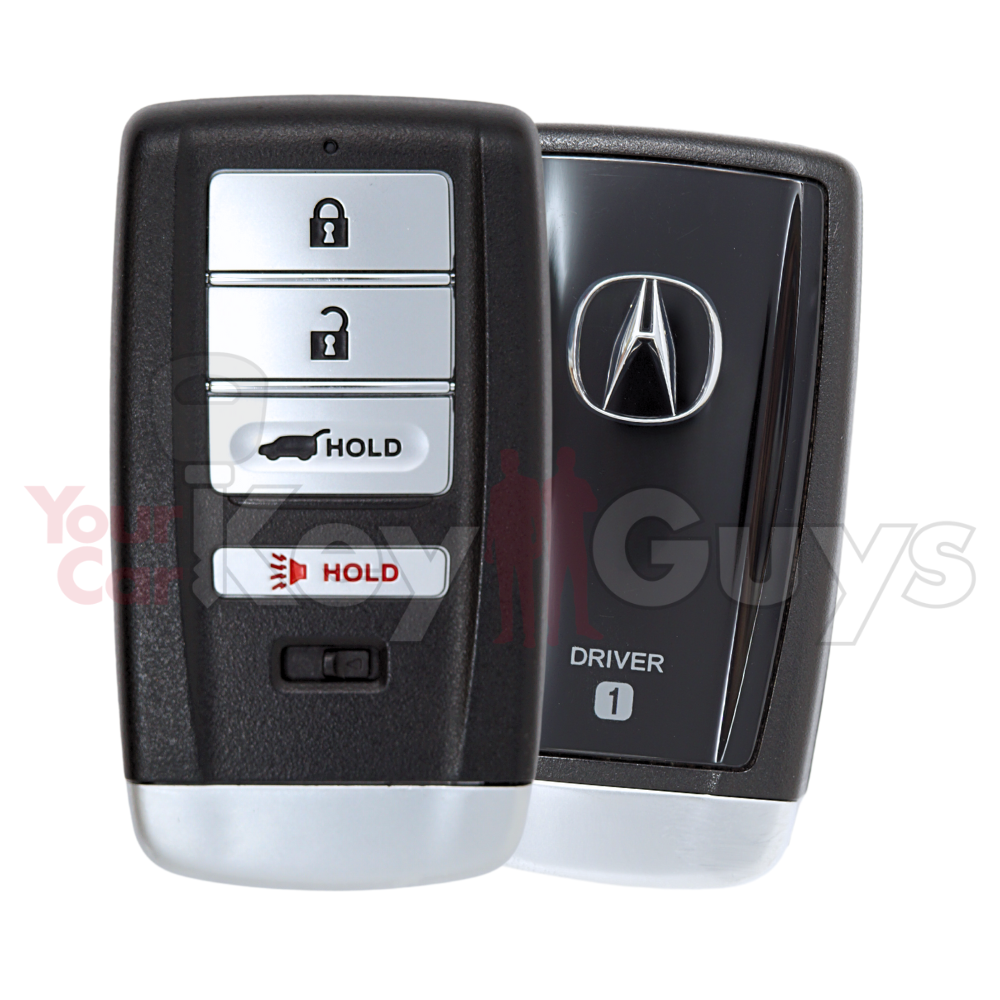
Small Flathead Screwdriver
A small flathead screwdriver helps open the key fob case. It fits into the tiny slot to pry the cover gently. Avoid using large tools that may damage the fob.
New Cr2032 Battery
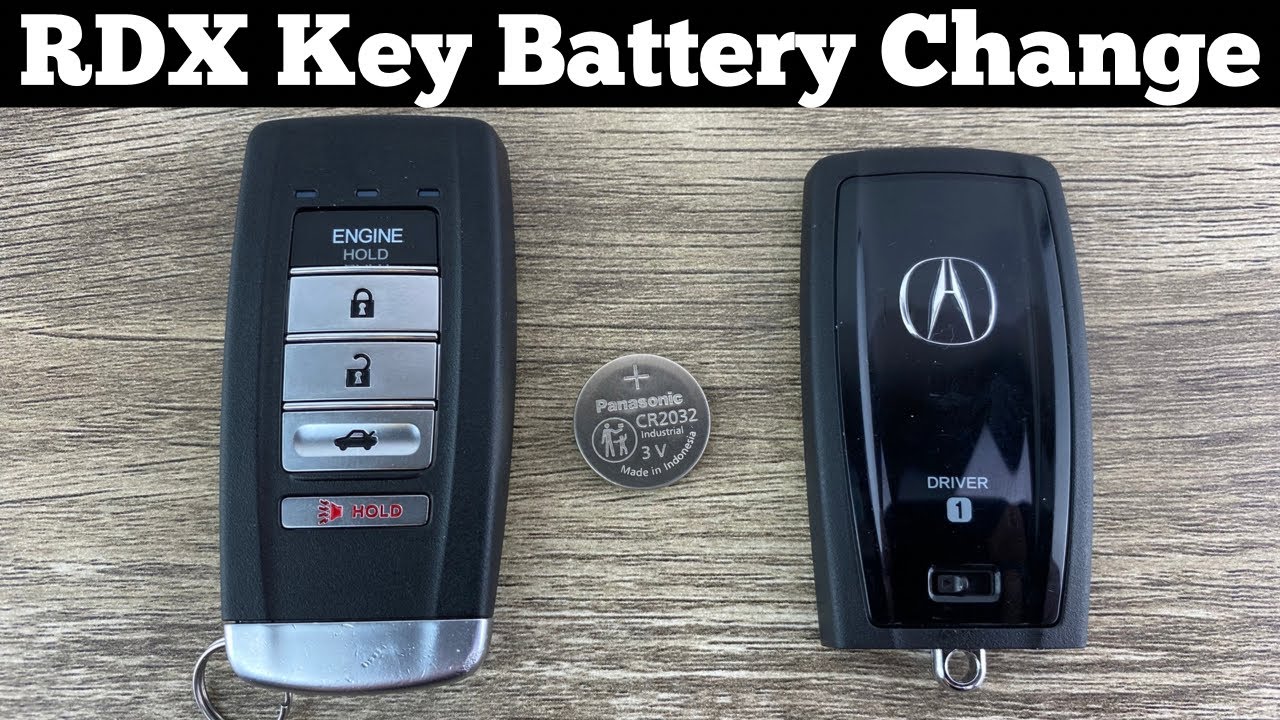
The 2021 Acura RDX key fob uses a CR2032 battery. This coin-shaped battery fits perfectly inside the fob. Buy a fresh one to ensure long-lasting power.
Clean Cloth Or Soft Towel
Use a clean cloth to protect the key fob from scratches. Place the fob on the cloth while working. It prevents slipping and keeps the surface safe.
Optional: Tweezers
Tweezers help remove and place the battery carefully. They provide a better grip on small parts. Use plastic tweezers to avoid short circuits.

Credit: yourcarkeyguys.com
Locate Key Fob Seam
To change the battery in your 2021 Acura RDX key fob, first find the key fob seam. This seam is the small line where two halves of the key fob case meet. It is important to locate it carefully before opening the fob. The seam allows you to pry the key fob apart without damage.
The seam usually runs along the edge of the key fob. It may be subtle, but you can feel it by running your finger along the sides. Use good light to spot the seam clearly. Knowing the exact seam location helps avoid breaking the plastic case.
Identify The Edge Of The Key Fob
Hold the key fob in your hand. Look closely at all sides. The seam is a thin line that separates the top and bottom halves. It often appears as a small gap or a slight change in texture.
Use A Small Tool To Locate The Seam
Take a small flat tool like a flathead screwdriver or a plastic pry tool. Gently insert it along the edges of the key fob. The tool should fit into the seam without force. This confirms the exact place to open the fob.
Check For Hidden Seams Near The Buttons
Some key fobs have seams near the buttons or around the key ring area. Inspect these areas carefully. The seam might be less visible but still present. Finding all seams helps you open the fob smoothly.
Open Key Fob
Opening the key fob is the first step to changing the battery in your 2021 Acura RDX. The process is simple and requires no special tools. Handle the fob gently to avoid damage.
Start by locating the small notch on the side of the key fob. This notch is designed to help you pry the fob open easily. Use a flat object like a coin or a flathead screwdriver for best results.
Locate The Notch On The Key Fob
Find the tiny groove along the edge of the key fob. This is where you will insert your tool. The notch is usually near the key ring or seam.
Insert A Flat Tool To Pry Open
Place the coin or screwdriver carefully into the notch. Apply gentle pressure to avoid scratching the fob. Twist the tool slowly to separate the two halves.
Separate The Key Fob Halves
Once the tool creates a gap, use your fingers to pull the halves apart. Open the fob carefully to expose the battery inside. Keep track of small parts to avoid losing them.
Remove Old Battery
Removing the old battery from your 2021 Acura RDX key fob is a simple process. It helps keep your key fob working well. Old batteries lose power and need replacement. Follow these easy steps to remove the old battery safely.
Open The Key Fob Case
Find the small notch on the side of the key fob. Use a flat tool or a coin to pry it open gently. Do not force it too hard to avoid breaking the case. The key fob will split into two parts.
Locate The Battery
Inside the key fob, find the round, silver battery. This is the old battery that needs removal. Take note of the battery’s position and which side faces up.
Remove The Old Battery
Use your fingernail or a small tool to lift the battery out. Be careful not to damage any parts inside the key fob. Dispose of the old battery properly to protect the environment.
Insert New Battery
Inserting the new battery into your 2021 Acura RDX key fob is a simple step. It ensures your key fob works properly and lasts longer. Handle the battery with care to avoid damage.
Make sure the battery is the right type for your key fob. Using the correct battery helps maintain performance and prevents issues.
Place The Battery Correctly
Hold the key fob with the open side up. Insert the new battery with the positive side facing up. Align it carefully to fit snugly into the slot.
Secure The Battery In Place
Press the battery gently but firmly into the compartment. Ensure it does not move or wiggle. A secure fit keeps the key fob working well.
Close The Key Fob Case
Snap the two halves of the key fob back together. Press along the edges until you hear a click. This confirms the case is fully closed and sealed.
Credit: yourcarkeyguys.com
Reassemble Key Fob
Carefully place the battery back into the key fob before closing it. Align both halves and press firmly until you hear a click. This ensures the key fob works properly after battery replacement.
Align The Key Fob Halves
Start by placing the battery inside the key fob correctly. Make sure the battery sits flat and the positive side faces up. Hold the two halves of the key fob close. Align them carefully so they fit together without forcing.
Press The Halves Firmly Together
Once aligned, press the key fob halves firmly. You should hear a click sound. This click means the key fob is locked back in place. Avoid pressing too hard to prevent damage.
Test The Key Fob Buttons
After reassembling, test all buttons on the key fob. Check if the lock, unlock, and panic buttons work properly. Testing confirms the battery is installed correctly and the fob functions well.
Test Key Fob Functionality
Testing the key fob after changing the battery is important. It confirms the battery is correctly installed. It also makes sure the key fob works properly with your 2021 Acura RDX. A functioning key fob saves time and avoids frustration.
Follow these steps to test your key fob carefully. Small mistakes can cause the key fob to not work. Checking the key fob now prevents future problems with your vehicle.
Check The Lock And Unlock Buttons
Stand near your vehicle. Press the lock button once. Listen for the sound of the doors locking. Next, press the unlock button. The doors should unlock and lights flash. If both work, the battery change was successful.
Test The Panic Button
Press the panic button briefly. Your car alarm should sound. This alerts people nearby in case of emergency. Press the panic button again to stop the alarm. This test confirms the key fob sends signals properly.
Try The Remote Start Function
Hold the remote start button for a few seconds. The engine should start remotely. This feature works only if your model supports it. If the engine does not start, check the battery again. Remote start confirms full key fob functionality.
Battery Replacement Tips
Changing the battery in your 2021 Acura RDX key fob is simple with the right approach. Following battery replacement tips helps keep your key fob working well. It also protects the device from damage. Safe disposal of old batteries protects the environment.
Choosing The Right Battery
Pick the exact battery type for your Acura RDX key fob. Most models use CR2032 batteries. Check your owner’s manual or the old battery for the code. Using the wrong battery may cause poor performance or damage.
Buy batteries from trusted brands only. Cheap batteries can leak or have shorter life. Fresh batteries last longer and work better. Store new batteries in a cool, dry place until use.
Avoiding Damage
Open the key fob carefully to avoid breaking it. Use a small flat tool or coin to gently pry the case open. Avoid using sharp objects that can scratch or crack the plastic.
Handle the circuit board inside with care. Don’t touch the contacts or electronics directly with your fingers. Static electricity can damage sensitive parts.
Insert the new battery with the correct side facing up. Check that it sits snugly in the slot. Close the key fob firmly to prevent dirt or moisture from entering.
Battery Disposal
Never throw old key fob batteries in the trash. These batteries contain harmful chemicals. Take them to a local battery recycling center or hazardous waste facility.
Some stores offer battery drop-off bins. Use these services to keep batteries out of landfills. Proper disposal helps protect the environment and public health.
Credit: www.youtube.com
Frequently Asked Questions
How Do I Open The 2021 Acura Rdx Key Fob?
To open the key fob, use a small flathead screwdriver. Insert it into the seam and gently pry apart the two halves. This exposes the battery compartment for easy replacement.
What Type Of Battery Does Acura Rdx Key Fob Use?
The 2021 Acura RDX key fob uses a CR2032 lithium coin battery. This is a common battery type, easily available in stores and online for replacements.
How Often Should I Replace The Key Fob Battery?
Replace the key fob battery every 1 to 2 years. Signs include reduced range or inconsistent key fob performance. Regular replacement ensures reliable keyless entry.
Can I Replace The Battery Without Professional Help?
Yes, replacing the battery is simple and can be done at home. Just open the fob, swap the battery, and snap it back together. No special tools or skills needed.
Conclusion
Changing the battery in your 2021 Acura RDX key fob is simple. You only need a few tools and a new battery. Follow the steps carefully to avoid damage. This small task saves you time and money. Your key fob will work like new again.
Keep the instructions handy for future use. Regular battery checks help prevent surprises. Enjoy the convenience of a fully working key fob every day.